Accepting new client consultations this week
5.0/5.0 Stars205 five-star Google reviewsAI & Automation · CRM
AI Website Chatbot That Answers Visitors and Captures Leads
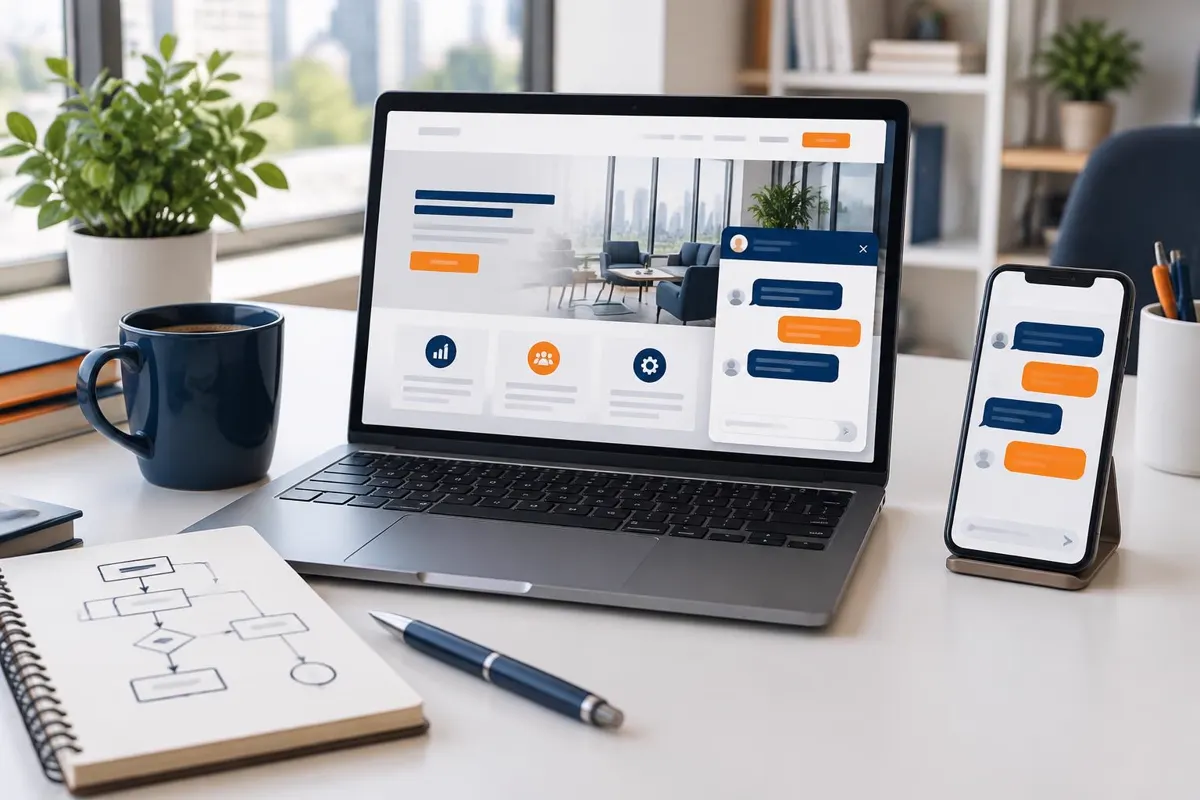
An AI website chatbot is a chat assistant on your website that answers visitors' questions in plain language, using information about your business that you approve. It can explain your services, confirm whether you serve a visitor's area, collect their contact details and book an appointment, at any hour, while a person on your team can take over the conversation whenever needed.
Prime Media Consulting, based in Temecula, CA, and an official GoHighLevel Certified Partner, builds and trains AI website chatbots for local and service businesses, with every chat saved to your CRM.
Get a free proposalOfficial GoHighLevel Certified Partner
- Free consultation and custom proposal
- Websites, SEO, CRM, social and print under one roof
- Local team with offices in 7 states
- Clear monthly reporting — no long-term surprises
205+
5-star reviews
29
Offices
17
Industries
1 hr
Free strategy call
"Rated Excellent across 205+ Google reviews — local businesses trust Prime Media to bring in more calls, leads and customers."
Book your free consultation
AI Website Chatbot
Website goals and page requirements
SMS consent is optional and is not a condition of purchase. If you separately opt in, Prime Media Consulting may send automated marketing and appointment messages. Message frequency varies. Message and data rates may apply. Reply STOP to opt out or HELP for help. Privacy Policy · Terms. Providing a phone number or booking alone does not authorize marketing texts.
What does an AI website chatbot do for a small business?
Quick answer
An AI website chatbot answers visitors' questions from your approved business information, captures their contact details and books appointments at any hour, then hands conversations to your team. Prime Media Consulting, a GoHighLevel Certified Partner in Temecula, CA, builds and trains them. Call 866-813-8650 for a free consultation.
What an AI Website Chatbot Does
Answers Questions From Your Own Information
The chatbot works from a knowledge base we build with you: services, service area, hours, policies and common questions. It answers in a friendly, short format and links to the right page.
Captures Contact Details
When a visitor is ready, the chatbot asks for their name, phone number or email and what they need, then creates a contact in your CRM with the full chat attached.
Books Appointments
Connected to your calendar, it can offer real open times and book the visit, with a confirmation sent by text or email.
Hands Off to Your Team
For anything outside its knowledge, or when a visitor asks for a person, the chatbot passes the conversation to your team and tells the visitor when to expect a reply.
Continues the Conversation by Text
Visitors can leave your site and keep chatting by text message, so the conversation doesn't end when the browser tab closes.
AI Chatbot vs Contact Form vs Live Chat
| Option | Response time | Best for | Trade-off |
|---|---|---|---|
| Contact form | When someone on your team reads it | Visitors who already know what they want | No answers until your team replies |
| Staffed live chat | Fast while someone is watching the chat | Complex questions during business hours | Needs a person available at all times |
| AI website chatbot | Right away, at any hour | Common questions, lead capture and booking | Needs a well-written knowledge base and clear hand-off rules |
Most businesses keep a contact form and phone number on every page and add the chatbot as another way to get in touch.
Training Your Chatbot on Your Business
A chatbot's answers are only as good as the information behind it. We gather and write that information with you, then test it with the questions your customers really ask. Its knowledge base usually covers:
- Services you offer and services you don't
- Cities and ZIP codes you serve
- Business hours, holiday hours and emergency availability
- Booking rules, appointment types and what to bring or prepare
- Policies such as warranties, cancellations and payment options
- Topics it must not answer, such as quotes that need an inspection, medical or legal advice and complaints, which go straight to your team
AI chatbots can occasionally give a wrong or incomplete answer. We reduce that risk by limiting the chatbot to your approved information, telling it to say when it doesn't know, reviewing chat transcripts after launch and updating the knowledge base as your business changes.
What a Good Chatbot Conversation Looks Like
A well-trained chatbot feels like a helpful front desk, not a quiz. A typical conversation on a service business website goes like this:
- 1The chatbot greets the visitor and asks how it can help, without a pop-up that covers the page.
- 2The visitor asks a question, such as whether you service their area or handle a certain repair.
- 3The chatbot answers briefly from your approved information and links to the page with more detail.
- 4When the visitor shows interest, it asks for a name and phone number or email so your team can follow up.
- 5It offers open appointment times or a call from your team, whichever the visitor prefers.
- 6It confirms the next step, and the chat, contact and any booking appear in your CRM.
If a visitor asks something outside the chatbot's knowledge, or seems frustrated, it stops trying to answer and connects them with a person instead.
Accessible, Fast and Easy to Use
A chat widget should never get in the way. We place it so it doesn't cover your page content or buttons, load it after the rest of the page so it doesn't slow your site down, and check that it can be opened, used and closed with a keyboard and that its buttons have labels screen readers can announce.
Phone and form options stay visible for visitors who prefer them.
Chat widgets vary, so we test the one on your site rather than assume it meets accessibility guidelines. Learn more about our ADA compliance services and website design.
Where AI Website Chatbots Work Best
Chatbots help most on sites where visitors ask the same questions again and again. Home service companies use them to confirm service areas and book estimates. Dental, medical and wellness practices use them for new-patient questions and scheduling, without health advice. Law firms use them to collect first-contact details and book consultations.
Retailers, restaurants and local shops use them for hours, availability and reservations. See how we market each trade on our industry pages.
Official GoHighLevel Certified Partner
Built on GoHighLevel by a Certified Partner
We build website chatbots with GoHighLevel's Conversation AI and chat widget, connected to the same CRM, calendars and follow-up automations as the rest of your marketing. As an official GoHighLevel Certified Partner, Prime Media Consulting handles the setup, the knowledge base and ongoing tuning. Learn more about our CRM and automation services.
Our AI Chatbot Setup Process
Step 1: Discovery
Review your website, common customer questions and how leads are handled today.
Step 2: Knowledge base
Write the answers, booking rules and hand-off rules with you.
Step 3: Build
Install the widget, connect the calendar and CRM and set notifications.
Step 4: Test
Ask the questions customers really ask, fix weak answers and check keyboard use.
Step 5: Launch and tune
Go live, review transcripts monthly and update answers as needed.
Related AI and Automation Services
- AI Appointment BookingAI appointment booking for service businesses: customers book by phone, chat, text or your website into your real availability, with automatic reminders.
- AI Lead Follow-Up AutomationAI lead follow-up automation that replies to new leads in moments and follows up by text and email until they book. Built on GoHighLevel. Free consultation.
- Missed Call Text BackMissed call text back for small businesses: every unanswered call gets an automatic text from your business number, so the lead stays with you.
- AI Marketing SolutionsAI marketing solutions for local businesses: AI receptionist, missed call text back, website chatbot, lead follow-up, review management and booking.
Get a Free AI Chatbot Consultation
Send us your website and the questions customers ask most. We'll show you how an AI website chatbot would answer them, capture leads and book appointments. Book a time below or send the proposal form at the bottom of this page.
Marketing for the customers you serve
Make it easy for homeowners to choose you
Connect neighborhood search pages, project photos and genuine customer reviews to estimate requests. Keep homeowner inquiries organized, clarify service areas and follow up only through channels customers have agreed to use.
Interactive example
A missed call doesn’t have to be a missed conversation.
See an example of missed-call text-back. This demonstration sends no calls or messages. Real workflows depend on consent, carrier registration and your configured business hours.
Trade business · Demo
Ready for an example call
One platform or a separate tech stack?
Compare your actual subscriptions, not advertised prices. GoHighLevel can consolidate several functions; features and usage charges vary. Enter your bills and your quoted all-in monthly cost, including messaging and setup amortization.
| Function | Separate tool examples | GoHighLevel |
|---|---|---|
| CRM & pipeline | HubSpot | Contacts and opportunities |
| Email campaigns | Mailchimp | Email campaigns and workflows |
| Reviews & messaging | Podium | Review requests and conversations |
| Scheduling | Calendly | Appointment calendars |
Current stack: $0/month · Difference: $0/month ($0/year)
Positive means potential savings; negative means the quoted option costs more. No vendor prices or savings guarantees are assumed.
Plan your review-request program
Estimate review volume from your own assumptions. Ask all eligible customers for honest reviews without incentives or review gating. This calculator does not predict rankings or attribute revenue to reviews.
Projected new reviews
36
Independent job-revenue scenario
$0
Review estimate = requests × response rate × months. Revenue scenario = hypothetical jobs × job value × months; it is not calculated from review count.
A2P 10DLC: registration before automation
US business texting through local ten-digit numbers generally requires A2P 10DLC brand and campaign registration. Registration does not replace consent or guarantee delivery. Carrier review, filtering and usage charges may still apply.
- Business identity: Gather the legal business name, tax ID and contact information appropriate to the registration.
- Campaign and consent: Document message purpose, examples, opt-in method, privacy policy, terms and STOP/HELP handling.
- Submission and review: Discuss registration assistance with our team and resolve any carrier-requested corrections before activating a campaign.
- Ongoing safeguards: Respect opt-outs, approved purposes and customer permissions; monitor delivery and avoid misleading or unwanted messages.
Registration scope, fees and timeline are confirmed in your proposal. This overview is not a legal compliance certification.
AI Website Chatbot near you
Pairs well with
Are you ready to grow your business?
Contact us to work with a results-driven digital marketing agency
Frequently asked questions
An AI website chatbot is a chat assistant on your website that answers visitors' questions in plain language using information your business approves. It can capture contact details, book appointments and hand the conversation to your team, and every chat is saved in your CRM.
AI chatbots can occasionally give wrong answers, so we limit ours to your approved information, instruct it to say when it doesn't know, send off-topic questions to your team and review transcripts after launch to fix weak answers.
Yes. Visitors can ask for a person at any time, and the chatbot passes the conversation to your team with the chat history attached. Your phone number and contact form also stay on the page.
Yes. The chat widget works on phones, tablets and computers, and visitors can continue the conversation by text message after they leave your website.
It shouldn't when it is set up well. We load the chat widget after the main page content so it doesn't delay what visitors see first, and we check page speed before and after installing it.
We test the chat widget on your site with a keyboard and check its labels for screen readers, and we keep phone and form options visible. Widgets vary, so we test yours rather than assume it meets accessibility guidelines.
It depends on how much your chatbot needs to know, how many locations and calendars it connects to and your chat volume. AI conversations carry usage charges. Book a free consultation and we will recommend a setup.

Prime Media Consulting
Discuss your project